


WordPress vs Prismic: Which CMS Is Right for Your Website?
A plain-English comparison of WordPress and Prismic: how traditional and headless CMSs work, 8 key differences, real costs and how to choose.
You need a new website. Someone on your team says “Just use WordPress.” Your developer says “We should go headless with Prismic.”
And now you’re stuck in the middle, nodding along to words like “decoupled” and “API.”

We’ve built websites on both, and the site you’re reading right now runs on Prismic. In this guide, you’ll get a plain-English comparison of WordPress vs Prismic: how they work, where each one wins, what they really cost, and how to decide which is right for your business.
WordPress vs Prismic: The Short Answer
WordPress is an all-in-one CMS: it stores your content and builds your pages from themes and plugins. Prismic is a headless CMS: it stores your content, and a custom-built front end (usually Next.js) turns that content into a fast website.
- Choose WordPress if you want to launch a simple site yourself, on a small budget, using an existing theme.
- Choose Prismic if you want a custom-designed site that loads fast, stays secure with little upkeep, and lets your marketing team build new pages without a developer.
What Is a CMS, and What Does “Headless” Mean?
A content management system (CMS) lets you create and edit website content without touching code.

A traditional CMS like WordPress is “coupled”: the same system stores your content and decides how it looks. Your content, design and code all live together on one server.
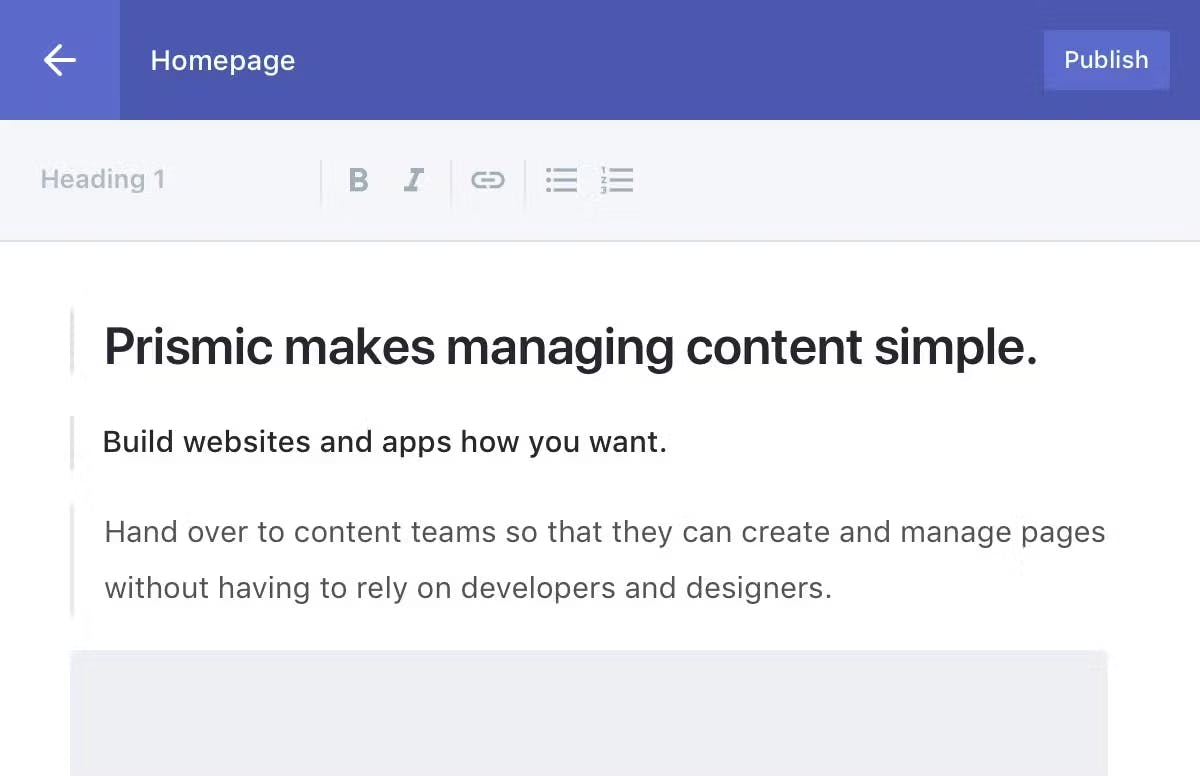
A headless CMS like Prismic only stores and organizes your content, then delivers it through an API. Your website (the “head”) is built separately, and it can pull the same content into a website, an app or anything else.
Splitting the two brings some big advantages:
- Speed: pages can be pre-built and served from a global CDN instead of being assembled on a server for every visit.
- Security: there’s no admin login or plugin code sitting on your public website for attackers to target.
- Freedom: developers can build any design they want, and you can redesign the front end later without moving your content.
- Reach: the same content can power your website, a mobile app and other channels from one place.
" A headless CMS stores your content. Your website decides how it looks. "
WordPress vs Prismic: 8 Key Differences
1. Flexibility and custom design
WordPress gives you thousands of themes and plugins, which is great for getting started. But once you need something the theme wasn’t built for, you’re stacking plugins or editing theme code, and things get messy fast.

Prismic works differently. Your developer builds custom page sections called slices (a hero, a testimonial block, a pricing table) that match your brand exactly. Your team then mixes and matches those slices to build any page they want. New slices can be added at any time with Prismic’s Slice Machine.

2. Ease of editing
WordPress’s block editor is familiar to millions of people, which is a real advantage. Prismic’s visual Page Builder lets editors build pages from slices with a live preview, schedule changes in releases and publish many pages at once, without asking a developer for help.

3. Speed and performance
A standard WordPress site builds each page on the server when someone visits, and every plugin adds more code to load. Caching and good hosting help, but speed takes ongoing work.
A Prismic site built with Next.js is pre-rendered and served from a global CDN, so pages load close to instantly. That speed helps your Core Web Vitals, your SEO and your conversion rate.

4. Security
WordPress’s popularity makes it a big target. Patchstack’s State of WordPress Security in 2026 report counted 11,334 new vulnerabilities in 2025, and 91% of them were in plugins.

To be fair, a well-maintained WordPress site with few plugins and good hosting can be very secure. But with Prismic there are no plugins to patch, no admin login on your domain, and your website is served as files from a CDN, which leaves attackers far less to work with.
5. Maintenance
WordPress needs constant care: core updates, theme updates, plugin updates, and the occasional conflict when one update breaks another.

With Prismic, the CMS itself is maintained by Prismic. Your website code only changes when you want new features, so there’s far less to babysit.
6. SEO
Both can rank well. WordPress has popular SEO plugins like Yoast and Rank Math. With Prismic, SEO fields (meta title, description, social image) are built right into your page types, and the speed boost from a headless setup gives you an extra edge.
7. Multiple languages
WordPress usually needs a translation plugin such as WPML or Polylang. Prismic has languages (locales) built in, and the number you can use depends on your plan.

8. Cost
WordPress software is free, but you’ll pay for hosting, premium themes and plugins, and ongoing maintenance. Prismic has a free plan for one user and two languages, and paid plans start at $10 a month (billed annually) according to its pricing page.
The bigger cost with Prismic is the upfront build, because a developer creates your front end and slices. In return, you get a custom site that costs much less to maintain over time.
" WordPress is quicker to start. Prismic is easier to live with. "
When WordPress Is the Better Choice

- You’re launching a simple blog or brochure site on a tight budget.
- You want to build and manage the site yourself with an off-the-shelf theme.
- You rely on a specific WordPress plugin that has no good alternative.
WordPress still powers a huge share of the web: about 39.5% of all websites, according to W3Techs. For many small sites, it’s a perfectly good choice.
When Prismic Is the Better Choice

- You want a custom design that matches your brand, not a theme everyone else is using.
- Speed, SEO and conversions matter to your business.
- Your marketing team needs to launch landing pages quickly without waiting on developers.
- You want fewer security worries and less maintenance.
- You publish in several languages, or want the same content in a website and an app.
Considering other headless options? Read our comparison of Prismic vs Contentful.
How We Build With Prismic at WLI

Prismic is our CMS of choice for most custom websites. We pair it with Next.js and host on Vercel, and it’s exactly how this website is built.
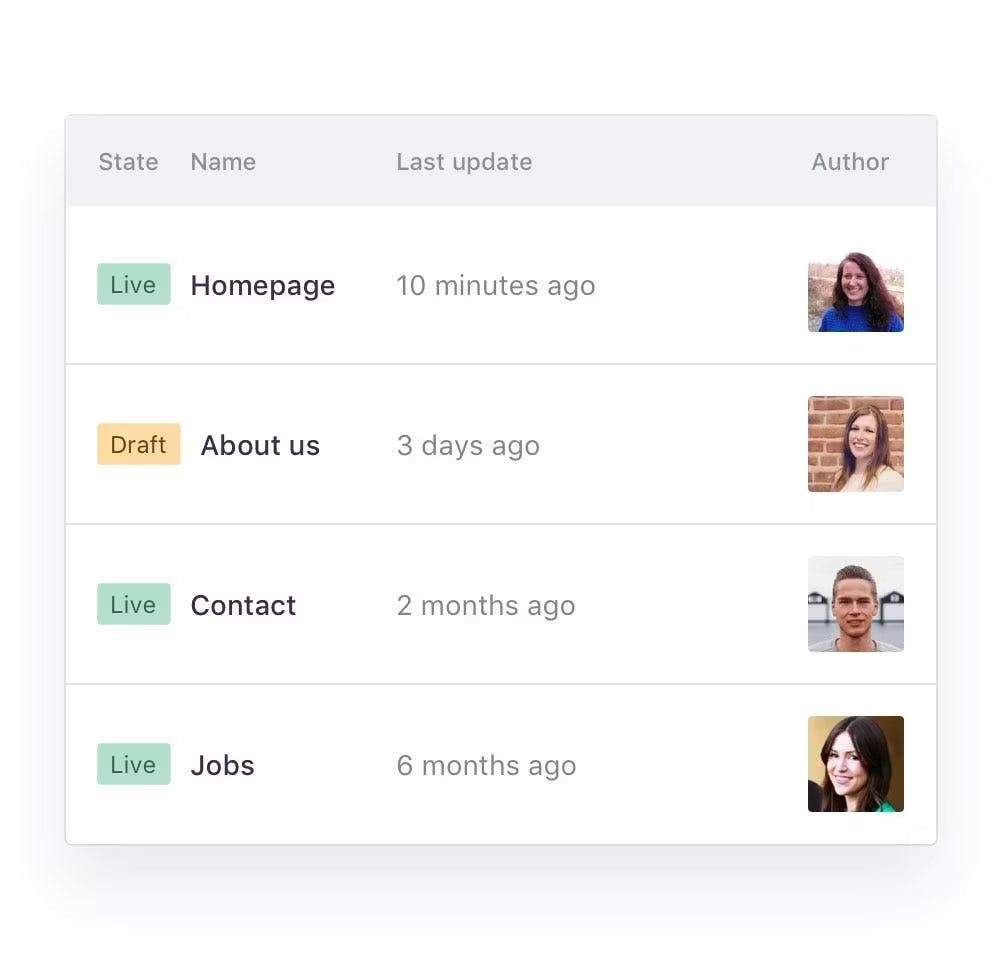
We start by planning every page in wireframes, then design custom slices for your brand. Once the site is live, your team can edit content, build new pages and schedule updates on its own. We only step in when you want a brand-new feature.
Want to see the whole process? Read our guide to building a powerful custom website, or see our custom website and app development services.
WordPress vs Prismic FAQ
It depends on your needs. Prismic is better for custom-designed, fast, low-maintenance websites. WordPress is better for simple sites you want to build yourself on a small budget.
Ready to Leave Plugin Updates Behind?
We design and build fast, custom Prismic websites that your team can update without writing a line of code.